
Purpose
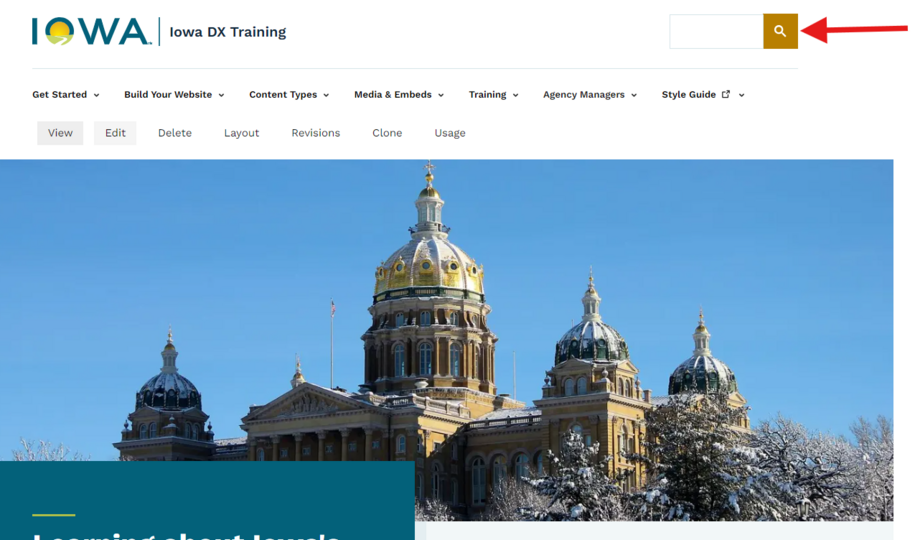
It also lets you highlight important pages using promotions, which help people quickly find key information on large sites. PSE can also show results from other websites, so if your agency’s content is spread across multiple domains, users still get one unified search experience.
Google Programmable Search Engine lets you feature certain pages when users search specific terms inside the custom search box embedded on your website.
Here’s the idea:
You pick specific keywords or phrases. For example: support, getting started, programs. etc.
You choose a specific page on your website that should be the highlighted or featured result when those keywords are searched. Maybe a dedicated Landing page, FAQ, or program overview.
Send those keywords and phrases to the DX team via a ServiceDesk Plus ticket. Be sure to include the page link where you want to send your website visitors. The DX team will add these to Google Programmable Search, test, and let you know when the task is completed.
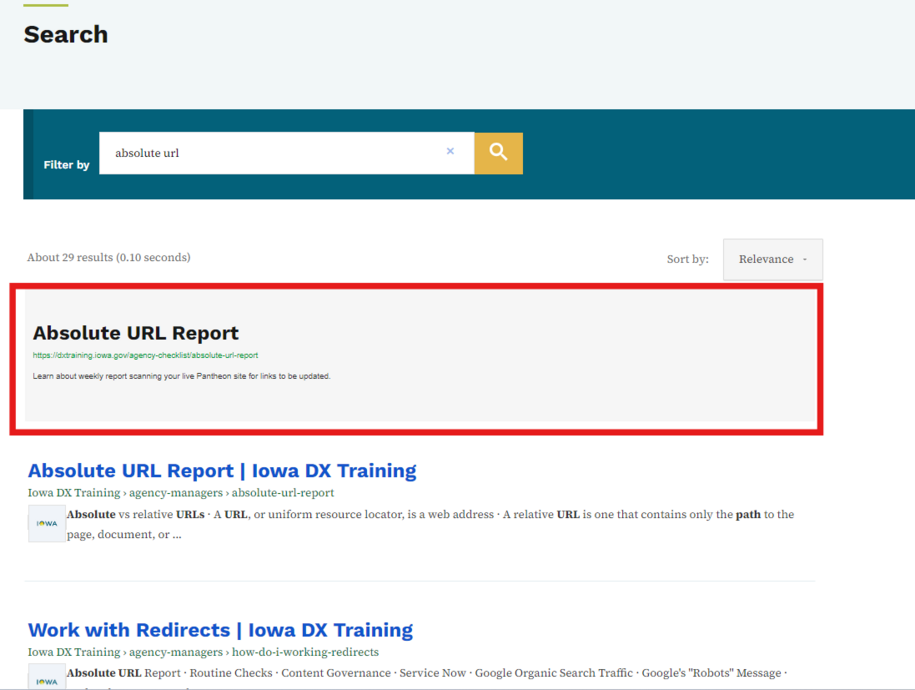
When a visitor uses your site’s search box and types one of those keywords, Google Programmable Search Engine will show the usual search results from your site but also places your chosen link in a special highlighted box at the top - like a featured result.
You control the link, title, and description shown in that highlight. This lets you guide users to the most helpful or important content. You can also set a start and end date for your promotion.
Other applicable search results will still be available below this box, but you'll be steering people to the most relevant results for the particular keywords or phrases they have entered.
Gaining access to Google Programmable Search Engine
The DX support team manages the Google Programmable Search Engine account for agencies using the platform. To request a promotion or discuss edits to an existing promotion, please submit a ServiceDesk Plus request.
What the DX team will need to set up a search promotion:
The keyword or phrases
The destination link
The title for the featured link
A description for the featured link
Optional - You can add a thumbnail image to the featured link box. The image needs to be added to your Media Library, and you'll need to include the complete URL to the image.