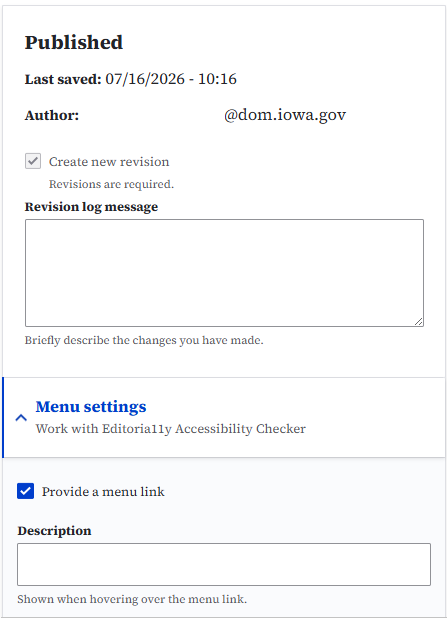
Revision notes, or Revision log messages can be added to most types of content. To add a note when creating or editing content, use the Revision log message box on the right side of your Drupal edit page. Be sure to save the page.
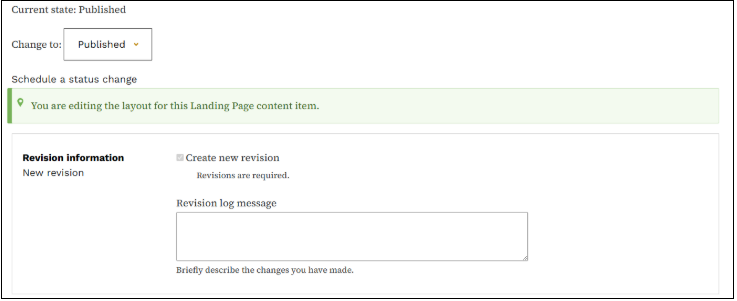
You can also add Revision notes to the layout section of a Landing page. The Revision log message section appears on the top right side of your Edit page. On the Revisions page you’ll see a log of the revisions that have been made like date, author, and any notes that were added.