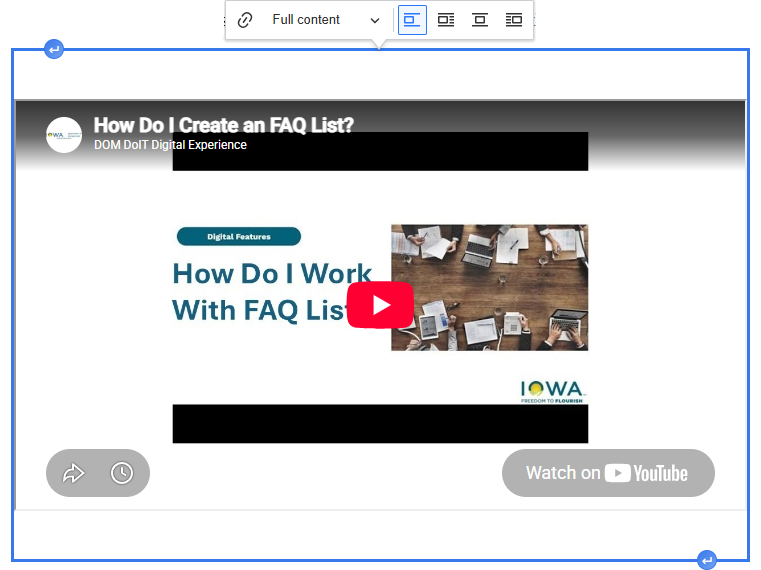
When adding Media Library items to your Basic pages, you may be unable to type text above or below the media item, like a YouTube video or a Promo.
You can use a simple tool to add extra line breaks when needed.
Click on the video or Promo and you'll see a blue border. Click on the arrow at the top to add a space above, or the arrow at the bottom to add a space below.