Learn how to log in to Qualtrics CX with this quick guide to access your account.
- If this is your first time logging in, clicking on the Qualtrics CX tile will automatically set up your account as a Standard User. In some cases, an agency may request that a new user be set up as a Participant instead. To learn more about the different user types, visit Understanding User Types in Qualtrics.
- If you are experiencing login issues or to change an existing user type, please submit a Qualtrics request through ServiceDesk Plus.
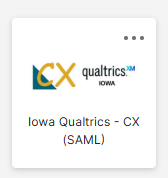
Click on the Iowa CX Qualtrics Tile
Click on the Iowa CX Qualtrics tile to login to your Qualtrics account.
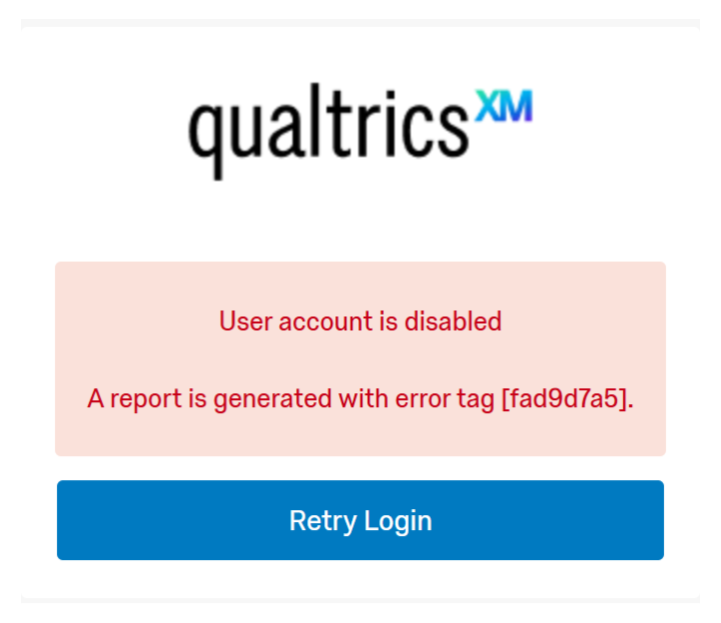
Error: User Account Disabled
If you see a User Account is Disabled error when trying to log in, please submit a Qualtrics request through ServiceDesk Plus to have your account reactivated.
Accounts are automatically disabled after 60 days of inactivity. This is part of our standard security protocol.
To avoid this, log in regularly. You may also want to set a calendar reminder if you don’t log in often.