Learn how to log in to Qualtrics CX with this quick guide to access your account.
- If this is your first time logging in, clicking on the Qualtrics CX tile will automatically provision your account as a Standard User.
- If you need access or are experiencing login issues, please submit a Qualtrics request through ServiceDesk Plus.
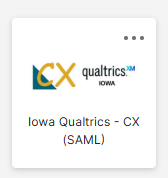
Click on the Iowa CX Qualtrics Tile
Click on the Iowa CX Qualtrics tile to login to your Qualtrics account.
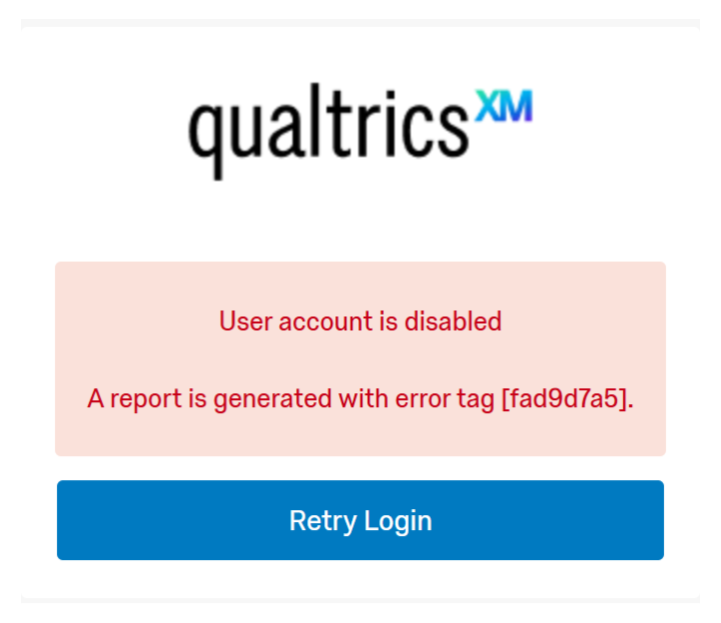
Error: User Account Disabled
If you see a User Account is Disabled error when trying to log in, please submit a Qualtrics request through ServiceDesk Plus to have your account reactivated.
Note: Accounts are automatically disabled after 60 days of inactivity. This is part of our standard security protocol.