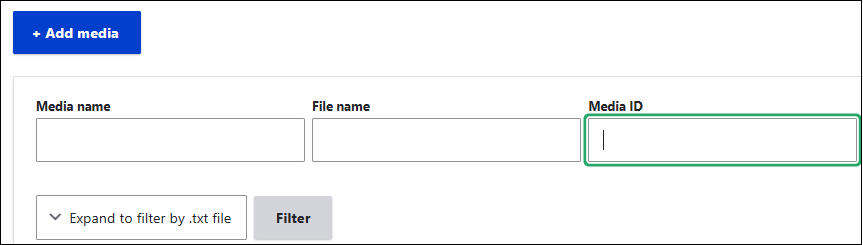
Every individual Media Library item, such as each registered Document, has a specific media ID number associated with it. In general, we use the LinkIt tool to create links.
However, inside Promo links as well as in the Hero of Landing pages, you may want to allow a download of a specific PDF.
Use the Linkit tool and choose your desired document from the list: start typing in the name of your document and select it when it displays.
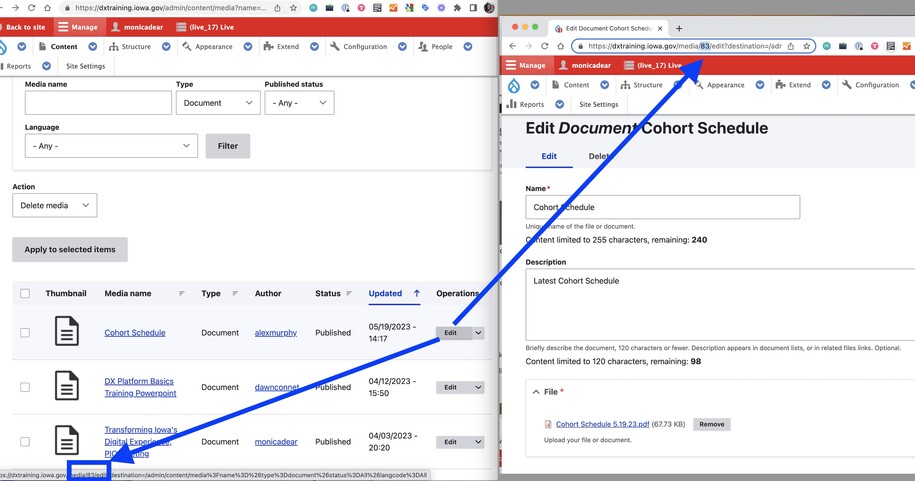
Any individual media item may be found using the Media Library find the ID.
In the following example, the media ID number is 83.
You can also search for a media item by the ID number.
Go to your Media Library and input your Media ID in the search box to find your item.